
“Lists of Links” Affiliate Link Manager Plugin for WordPress
I developed a WordPress plugin called Lists of Links that helps me to keep track of my affiliate link-related data and easily include my referral links in posts using convenient WordPress shortcodes.
I’m enrolled in an affiliate program where I get a very small commission if someone buys an item from Amazon using one of my links. I create a referral link for everything we buy there and include the link in a post if it’s something I want to write about. My old process of storing referral links in a separate spreadsheet was a hassle that resulted in copies of links in multiple places, none authoritative.
Read more about Lists of Links, check out its source code, and download the plugin package at Github.
Installing my Lists of Links plugin to your WordPress site is easy:
- Download lists-of-links.zip from the Releases page
- In WP Admin, go to Plugins> Add New> Upload Plugin
- Choose the zip file and click Install Now
- Click Activate Plugin
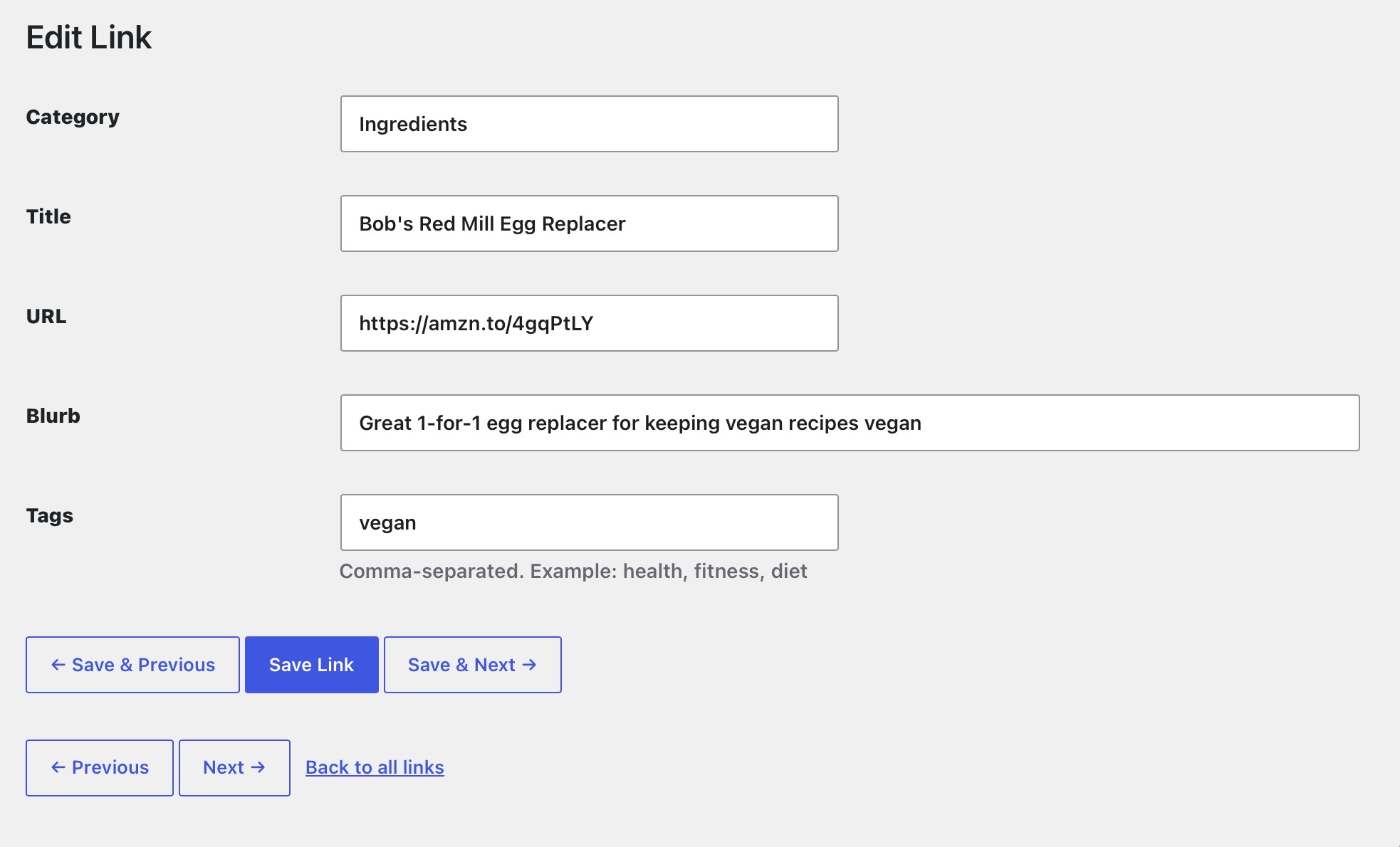
The plugin is ready to use after activation. Open Lists of Links> Add New Link and add your first record to the database by entering a case-sensitive category, link title, URL, description, and any tags, and click Save Link. As you add more links, use a small number of consistent categories since they’ll be used to group links in your pages and posts.
Once you’ve recorded all your link data, decide how you want it formatted and whether you want it indexed. Open Lists of Links> Settings to select the heading style to format categories and item style (bullets, numbers, definition, or paragraphs) for each link. Note that styles aren’t applied when data is output in table or grid format. Formatting applies to each list of links in your site; aside from tables and grids, which ignore formatting settings, lists may only have one style on your site.
In Settings you can also identify any URL paths that should not be indexed by search engines. This is to avoid demonetization due to low-value content violations that pages that include Lists of Links shortcodes can trigger. Any pages with URLs that match and include Lists of Links output will include a “noindex” directive.
Once your styles are set, your data from your list is ready to include in a post or page:
- Create a new post, titling and adding any content you wish.
- If you’re using the WordPress block editor, create a new block and type: \[lists_of_links\]. When viewed on your web site by visitors, the lists_of_links shortcode will fill in with link names and descriptions grouped by category.
- You can limit which data is displayed by adding a category and tags arguments to the shortcode
- Set category=”Maker” to include just link records where category=”Maker”
- Set tags=”components” to include only those rows where tags includes “components”
- Limit the output to a subset of columns. Set columns=”title, description” to include just those columns in the output.
- To display data in rows and columns, use the shortcode lists_of_links_table for table format or lists_of_links_grid for grid format. Category, tags, and columns arguments work for all shortcodes.
Note that the Lists of Links plugin is offered completely as-is for free with no warranty or guarantee of any kind and you use completely it at your own risk. It’s pretty simple to operate and solves a specific problem for me. If it works for you, it would be great to hear..